
Streamlining Marketing Ops: The Strategic Guide to Twitter Integration
August 29, 2026 · 6 min read
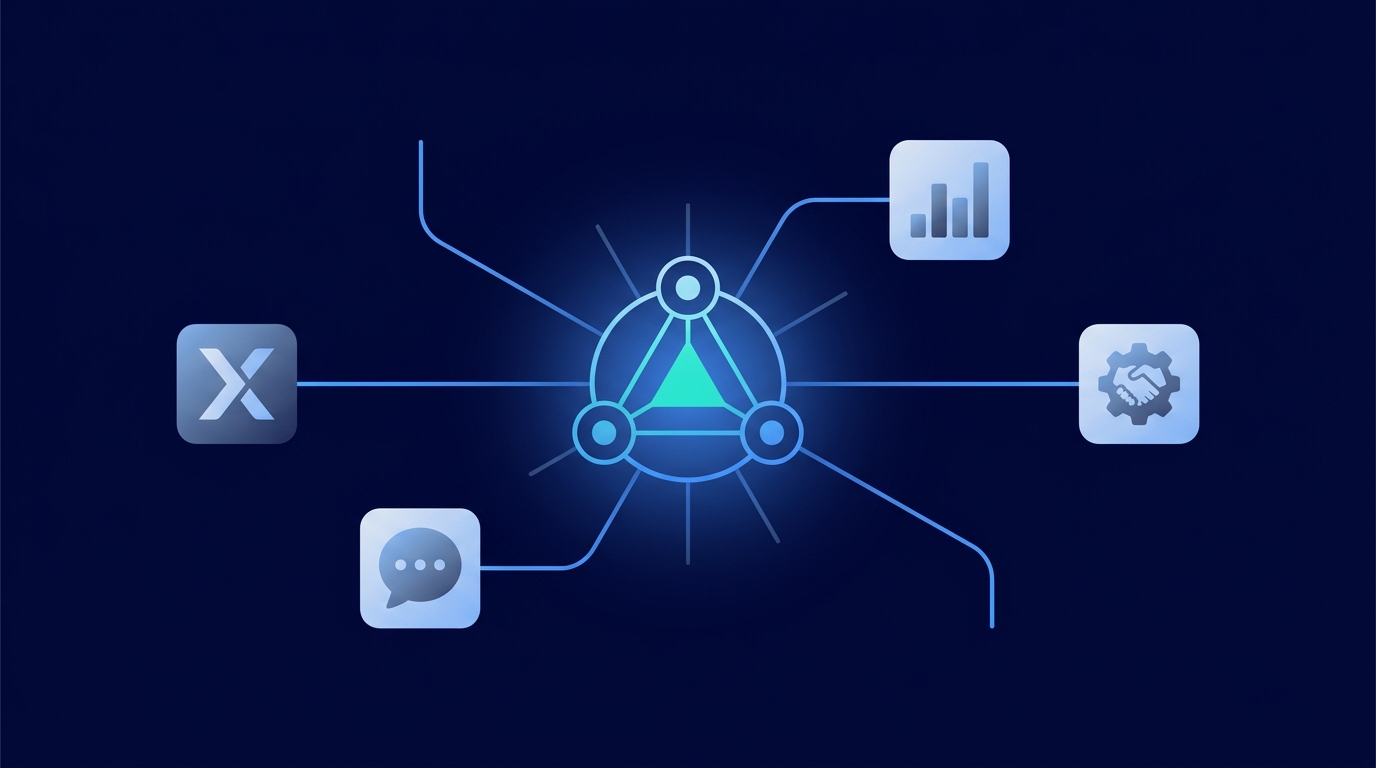
Twitter integration is the process of connecting the X (formerly Twitter) platform to other software tools using its API. This allows marketing teams to automate tasks, sync data, and manage activities like publishing, analytics, and engagement from a centralized hub, dramatically improving workflow efficiency.
For most marketing teams, their relationship with Twitter tools starts and ends with a simple scheduler. While scheduling is a critical first step, it only scratches the surface of what's possible. True integration transforms Twitter from a standalone channel into a connected, data-rich component of your entire marketing operations stack. It’s about breaking down data silos and creating a single source of truth for your content, performance, and community interactions. This guide will walk you through the why, what, and how of strategic Twitter integration to build a more efficient and intelligent marketing engine.
Core Types of Twitter Integrations for Marketers
An effective integration strategy isn't about connecting everything at once. It's about identifying your key operational bottlenecks and choosing integrations that solve specific problems. Here are the most common and valuable categories for marketing teams.
### Publishing and Scheduling
This is the foundation. Integrating Twitter with a content calendar platform allows you to draft, schedule, and, most importantly, approve content in a collaborative environment. Advanced integrations go further, enabling features like creating content drafts with AI, previewing tweets in-platform, and managing a cross-channel content library.
### Analytics and Reporting
Manually pulling Twitter analytics and pasting them into a spreadsheet next to your Meta and Google Ads data is a time-consuming recipe for errors. An analytics integration automatically pulls key metrics—impressions, engagement rate, link clicks, video views—into a unified dashboard. This allows you to compare performance across platforms in real-time and understand Twitter's true contribution to your overall marketing goals.
### Social Listening and Engagement
Twitter is a conversational platform. An engagement integration connects your brand's mentions, replies, and Direct Messages to a unified social inbox. Instead of having one team member logged into the native Twitter app, your entire team can see and respond to conversations alongside comments from Facebook, Instagram, and LinkedIn. This streamlines community management and ensures faster, more consistent response times.
### CRM Integration
This is where social media meets the sales funnel. By connecting Twitter to your CRM (like Salesforce or HubSpot), you can create powerful workflows. For example, you can automatically create a new lead in your CRM when someone sends a DM with a buying-intent keyword, or you can log a customer's public complaint on their CRM profile for the support team to see. This provides a holistic view of the customer journey.
### Ads Management
Managing Twitter Ads in a separate tab from your other ad campaigns is inefficient. Integrating your Twitter Ads account with a central ad management tool allows you to monitor spend, track performance (like CPA and ROAS), and adjust budgets alongside your campaigns on other platforms. This is crucial for allocating your ad budget effectively based on holistic performance data.
How to Choose Your Twitter Integration Solution
Once you've identified your goals, you need to choose the right tool or method to make it happen. There are three primary approaches, each with its own strengths and weaknesses.
- Native Integrations: These are direct, point-to-point connections built by the software providers themselves (e.g., a direct HubSpot-to-Twitter connection). They are often simple to set up but can be limited in functionality.
- Middleware (Connectors): Tools like Zapier or Make act as a bridge, allowing you to create custom "if this, then that" workflows between thousands of apps. They offer incredible flexibility but can become complex and costly to manage at scale.
- Unified Platforms: These are all-in-one solutions designed for a specific function, like marketing operations. A platform like MarketPilot comes with pre-built, deep integrations for major channels like Twitter, Meta, and LinkedIn, offering a seamless experience for scheduling, analytics, and ads in one place.
To help you decide, here’s a breakdown of the different methods:
Comparison of Integration Methods
| Integration Method | Best For | Pros | Cons |
|---|---|---|---|
| Native Integrations | Simple, point-to-point connections. | Easy to set up; often included with your software subscription. | Limited functionality; can create new data silos between other tools. |
| Middleware (e.g., Zapier) | Custom, multi-step workflows connecting niche apps. | Highly flexible; connects thousands of different applications. | Can become complex and costly at scale; workflows can "break" if an API changes. |
| Unified Platforms (e.g., MarketPilot) | Centralizing core marketing operations. | Single source of truth; streamlined UI; deep, stable connections; cost-effective. | Less flexibility for connecting with highly specialized or obscure tools. |
For most marketing teams, a unified platform provides the best balance of power, stability, and ease of use. It solves the core operational challenges—cross-channel reporting, unified content calendars, and collaborative workflows—without the complexity of managing dozens of individual connections.
Practical Use Cases for an Integrated Twitter Strategy
Let's move from theory to practice. Here’s how a fully integrated Twitter workflow can transform your day-to-day operations.
### Use Case 1: The Unified Content Workflow
The Problem: Your team plans content in a spreadsheet, drafts tweets in a Google Doc, gets feedback via Slack, and then someone manually copies it into a basic scheduler. It's slow and prone to error.
The Integrated Solution: Your entire workflow happens in one place. A content strategist plans the month's themes in a shared calendar. A copywriter drafts all social posts, including tweets, directly in the platform using an AI assistant for ideas. The posts are then assigned to a manager for approval. Once approved, they are automatically scheduled. Platforms like MarketPilot centralize this entire process, allowing teams to manage a cross-channel calendar and approval workflow from a single dashboard. You can see all supported platforms.
### Use Case 2: Holistic Campaign Performance Reporting
The Problem: You just ran a major product launch campaign across Twitter, Instagram, and Google Search. To report on its success, you have to log into three different ad managers, export the data, and manually merge it in a spreadsheet to calculate the overall ROI.
The Integrated Solution: All your organic and paid performance data flows into one dashboard. With a few clicks, you can build a report that shows your total ad spend, impressions, clicks, and conversions across every channel. You can instantly see that while Google delivered the most conversions, Twitter delivered the highest engagement rate, providing valuable insights for future campaigns.
### Use Case 3: Streamlined Community Engagement
The Problem: A high-value customer complains about a service issue in a reply to one of your tweets. At the same time, a promising lead asks a pre-sales question via DM. Both messages get lost in the noise of general notifications.
The Integrated Solution: Both the reply and the DM appear in a unified "Engage Inbox" alongside comments from your other social channels. The customer complaint can be immediately assigned to a support specialist, while the pre-sales question can be assigned to a sales team member. This ensures every important conversation is seen and acted upon promptly, protecting your brand reputation and capturing new business.
Conclusion: Build a Connected Marketing Engine
Strategic Twitter integration is about more than just saving a few minutes on scheduling. It’s about building a connected, efficient, and data-driven marketing operation. By moving beyond simple, single-purpose tools and embracing solutions that unify your workflows, you eliminate manual tasks, unlock deeper insights, and empower your team to focus on what truly matters: creating great content and engaging with your audience.
Investing in a platform with deep, native integrations isn't just about convenience; it's a strategic move to build a more agile marketing engine. Understanding the different options, from simple connectors to comprehensive platforms, is the first step toward optimizing your operations. Explore MarketPilot's features to see how a unified platform can transform your workflow and provide a clear, consolidated view of your marketing performance.
Frequently asked questions
Related posts
More on the topics covered in this article.