
Power Up Your Marketing: A Marketer's Guide to Essential Twitter Integrations
August 24, 2026 · 7 min read
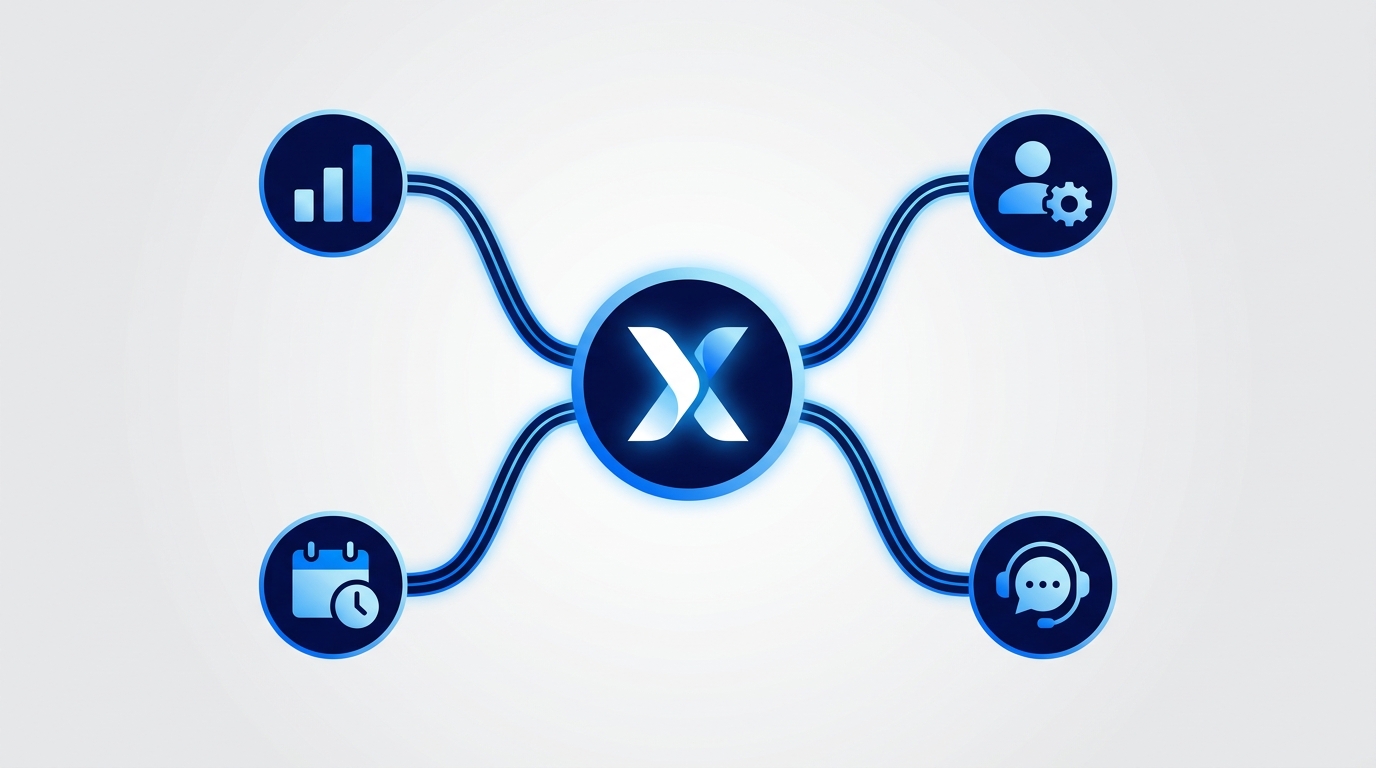
Twitter integrations connect your X (formerly Twitter) account to other software, allowing you to automate tasks, sync data, and manage workflows from a central hub. For marketers, this means streamlining everything from content scheduling and analytics to customer support and lead generation. Ultimately, these connections save valuable time and significantly improve campaign effectiveness.
While using the native X app is fine for personal use, a professional marketing strategy demands more power, control, and efficiency. Juggling multiple accounts, collaborating with a team, proving ROI, and maintaining brand consistency requires a toolset that extends beyond the platform's built-in features. This is where integrations become indispensable, transforming Twitter from a standalone social channel into a deeply connected component of your entire marketing ecosystem.
The Core Categories of Twitter Integrations
Not all integrations are created equal. They are designed to solve specific business problems. Understanding the primary categories helps you identify which tools will have the most significant impact on your team's productivity and results. Most marketing needs will fall into one of these five key areas:
- All-in-One Marketing & Publishing Platforms
- Deep-Dive Analytics & Reporting Tools
- Customer Relationship Management (CRM) Connectors
- Customer Support & Community Management Desks
- Automation & Custom Workflow Tools
Let's break down what each category does and why it's crucial for a modern marketing team.
1. All-in-One Marketing & Publishing Platforms
Problem Solved: This is the command center for your social media operations. These platforms solve the chaos of managing multiple social profiles, planning content calendars in spreadsheets, and struggling with team collaboration and approvals.
Why it Matters: Efficiency is the main driver here. Instead of logging in and out of different accounts, your team can manage everything from one place. This ensures brand consistency, prevents accidental posts, and provides a single source of truth for your entire social strategy.
Platforms like MarketPilot centralize not just your Twitter publishing but your entire multi-channel marketing engine, including Meta, LinkedIn, Pinterest, and Google Ads. A native Twitter integration within such a platform allows for:
- Unified Content Calendar: Plan, create, and schedule posts for all your social channels in one visual calendar.
- Approval Workflows: Ensure all content is reviewed and approved by stakeholders before it goes live, reducing errors and maintaining brand voice.
- AI-Powered Content Generation: Overcome writer's block by using AI to draft tweets, suggest variations, and optimize copy for engagement.
- Cross-Platform Analytics: Compare Twitter's performance against your other channels to understand what's truly driving results.
2. Deep-Dive Analytics & Reporting Integrations
Problem Solved: Twitter's built-in analytics are a good starting point, but they lack the depth needed for serious campaign analysis, competitor tracking, and sentiment measurement.
Why it Matters: To justify marketing spend and optimize future campaigns, you need robust data. Dedicated analytics tools integrate with the Twitter API to pull vast amounts of data and transform it into actionable insights. They help you answer complex questions like, "What is our share of voice compared to our top three competitors?" or "What was the overall sentiment around our product launch?"
Key Metrics Provided by Analytics Integrations:
- Sentiment Analysis: Automatically categorizes mentions as positive, negative, or neutral.
- Share of Voice: Measures your brand's conversation volume against competitors.
- Audience Demographics: Provides deeper insights into the age, location, and interests of your followers.
- Campaign & Hashtag Tracking: Monitors the performance of specific hashtags and campaigns in real-time.
3. CRM Integrations: Connecting Conversations to Customers
Problem Solved: A positive interaction on Twitter is just a fleeting moment unless it's captured. CRM integrations bridge the gap between your social media engagement and your sales pipeline.
Why it Matters: This integration closes the loop between marketing and sales. It turns social media from a purely brand-building activity into a measurable lead-generation channel. When a potential lead asks a buying-intent question in a tweet, your sales team should know about it instantly.
How it Works: Tools like Salesforce and HubSpot have integrations that allow you to:
- Create a new lead or contact in your CRM directly from a tweet or DM.
- Append social media interactions to an existing customer's record, giving your sales and support teams valuable context.
- Trigger automated workflows in your CRM based on social activity.
4. Customer Support & Community Management Integrations
Problem Solved: As your brand grows, using the native Twitter inbox to manage customer questions, complaints, and comments becomes impossible. Important messages get lost, response times suffer, and your brand reputation is at risk.
Why it Matters: Modern customers expect fast support on the channels they prefer, and Twitter is a major one. Support desk integrations (like Zendesk or Intercom) funnel all your Twitter mentions and DMs into a unified inbox alongside email, chat, and other support channels.
For teams that need a blended approach, platforms like MarketPilot offer an 'Engage Inbox' that consolidates comments and DMs from all connected social platforms, including Twitter. This is ideal for marketing teams who manage both community engagement and initial support queries before escalating them to a dedicated support tool.
5. Automation & Workflow Integrations (The "Glue")
Problem Solved: What if you want to connect Twitter to an application that doesn't have a direct, pre-built integration? Automation platforms are the answer.
Why it Matters: These tools provide nearly limitless flexibility to create custom workflows that save time and automate repetitive tasks. Services like Zapier and Make act as the glue between Twitter and thousands of other apps.
Creative Workflow Ideas:
- Content Curation: When you bookmark an article in Pocket, automatically create a draft tweet with the link in your scheduling tool.
- Brand Monitoring: If a new mention of your brand appears on Twitter, automatically send a notification to a specific Slack channel.
- Lead Capture: When someone uses a specific hashtag in a tweet, automatically add a row to a Google Sheet for your sales team to review.
Comparison: Choosing the Right Type of Twitter Integration
| Integration Type | Best For | Key Benefit | Example Tools |
|---|---|---|---|
| All-in-One Platform | Marketing teams managing multiple channels and team members. | Efficiency, collaboration, and a unified view of all marketing activities. | MarketPilot, Sprout Social, Hootsuite |
| Analytics Tool | Data analysts and strategists needing deep performance insights. | Data-driven decision making and proving campaign ROI. | Brandwatch, Talkwalker |
| CRM Connector | Sales-focused B2B and B2C companies. | Connecting social activity to the sales pipeline and customer records. | Salesforce, HubSpot |
| Support Desk | Companies with high volumes of customer inquiries on social media. | Faster response times and improved customer satisfaction. | Zendesk, Gorgias, Intercom |
| Workflow Automation | Tech-savvy marketers looking to create custom, automated processes. | Ultimate flexibility to connect Twitter to almost any other application. | Zapier, Make |
How to Evaluate and Implement a Twitter Integration
Ready to get started? Follow this simple framework to choose and implement the right tool for your team.
Step 1: Define Your Primary Goal
Before you look at any software, clearly define the single biggest problem you want to solve. Is it saving time on scheduling? Improving support response time? Capturing more leads? A clear goal will prevent you from being distracted by features you don't need.
Step 2: Audit Your Existing Tech Stack
List the marketing, sales, and support tools your team already uses every day. Check if they offer a native Twitter integration first. Starting with the tools you already pay for is the most cost-effective approach.
Step 3: Assess API Access & Security
Ensure any tool you consider uses the official X (Twitter) API and secure authentication methods like OAuth. Never give your password to a third-party application. Review their data privacy and security policies to understand how your information and your customers' information will be handled.
Step 4: Consider Scalability and Pricing
Choose a tool that can grow with your team and your strategy. Avoid tools with rigid pricing that penalizes you for adding users or connecting more profiles. Look at comprehensive solutions whose pricing scales with your needs, rather than paying for multiple single-point tools. You can see an example of this transparent, feature-based model on our pricing page.
Step 5: Start with a Trial
Almost every reputable service offers a free trial. Use this period to test the core functionality that aligns with your primary goal. Set up a small pilot project—for example, schedule one week's worth of tweets or connect it to your support inbox—before committing to a subscription and rolling it out to the entire company.
Conclusion
Twitter is far more than a place to post 280-character updates. When leveraged correctly, it's a powerful tool for brand building, lead generation, and customer support. The key to unlocking this potential lies in integration.
By connecting Twitter to your core marketing, sales, and support platforms, you break down data silos and create efficient, automated workflows. This transforms your Twitter strategy from a series of manual tasks into a seamless, integrated system that drives measurable business results. By centralizing your social media efforts within a unified platform, you empower your team to focus on high-impact strategy, not just time-consuming execution.
Frequently asked questions
Related posts
More on the topics covered in this article.