
From Silos to Synergy: A Marketer's Guide to Facebook Integration
October 7, 2026 · 7 min read
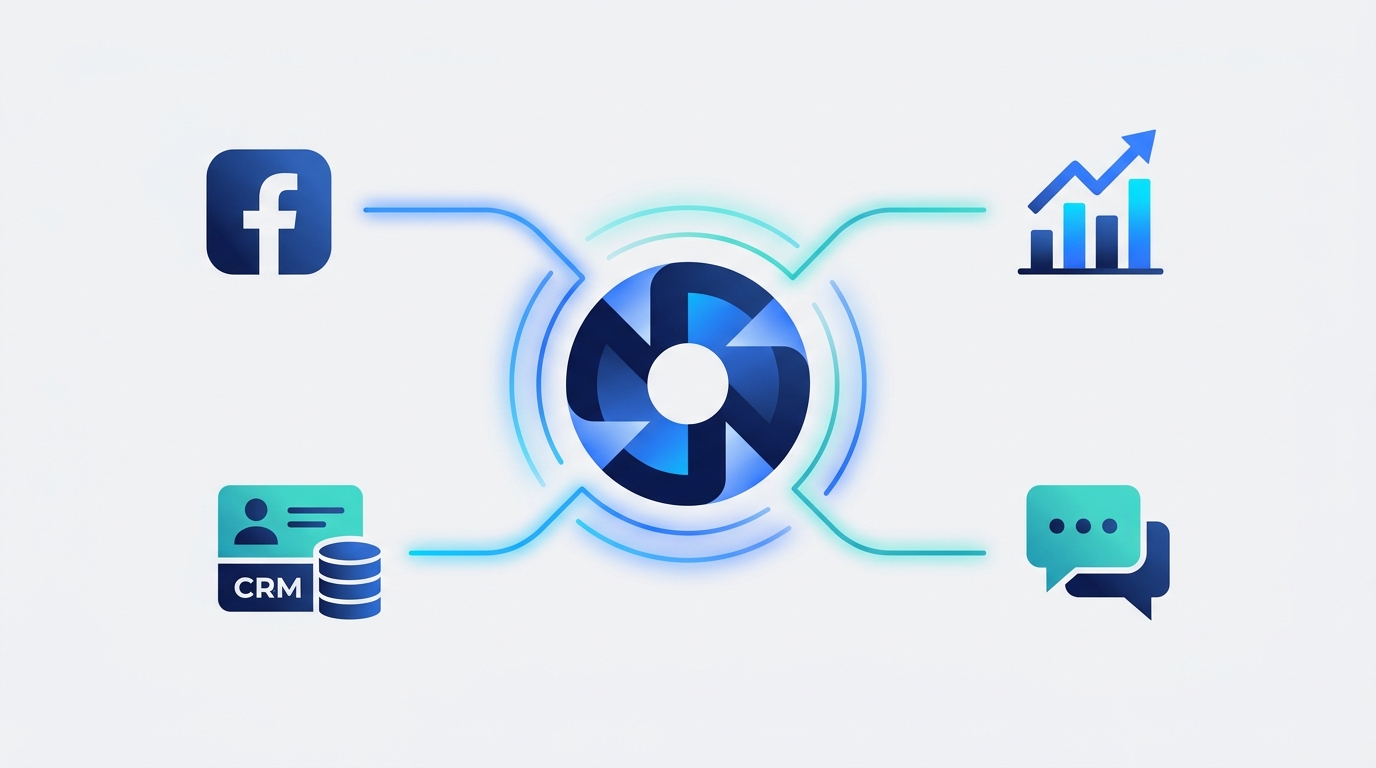
Facebook integration connects your Facebook marketing efforts—including Pages, Ads, and Messenger—with other business tools to automate tasks, centralize data, and create a unified customer view. For marketing teams, this means streamlining workflows from content creation to lead management and gaining deeper, cross-platform insights to prove ROI.
This guide moves beyond simple connections and explores how a strategic approach to Facebook integration can transform your marketing operations from a series of disconnected tasks into a cohesive, data-driven engine for growth.
Why Facebook Integration is No Longer Optional
In the past, marketing teams could get by managing Facebook as a standalone channel. You'd log in to post content, run ads in Ads Manager, and respond to comments natively. But as marketing stacks have grown more complex and customer journeys have become less linear, this siloed approach creates significant problems:
- Disconnected Data: Your ad performance data lives in Ads Manager, your organic engagement is on your Page, and your customer data is in your CRM. Stitching these together manually is time-consuming and prone to error, making it nearly impossible to see the full picture of your customer's journey.
- Manual, Repetitive Workflows: Manually downloading leads from a CSV file and uploading them to your CRM? Copying and pasting content from a document into the scheduler? These tasks drain valuable time that could be spent on strategy and creative work.
- Inconsistent Customer Experience: When your support team doesn't have visibility into a customer's ad interactions, or your sales team doesn't know a lead came from a specific Facebook campaign, the customer experience feels disjointed. A customer might have to repeat information, leading to frustration.
- Inaccurate ROI Measurement: Without connecting Facebook Ads to your CRM or analytics platform, you can't accurately attribute revenue back to specific campaigns or ad sets. You're left guessing which efforts are truly driving business results.
A well-executed integration strategy solves these problems by creating a seamless flow of data and actions between Facebook and the rest of your marketing technology stack.
Core Areas of Facebook Integration for Marketers
Effective Facebook integration isn't about a single connection; it's about building a network of integrations that support your entire marketing lifecycle. Here are the four key areas to focus on.
1. Content & Publishing Integration
This is about streamlining how you create, approve, and publish content to your Facebook Pages and Groups.
- Unified Scheduling: Instead of creating posts natively on Facebook, use a central marketing platform to schedule and publish content across Facebook, Instagram, LinkedIn, and other channels from one calendar. This ensures brand consistency and saves countless hours.
- Asset Management: Integrate your Digital Asset Management (DAM) system or cloud storage (like Google Drive or Dropbox) with your publishing tool. This allows your team to access approved brand assets, images, and videos directly, eliminating version control issues.
- AI-Powered Content Generation: Connect your AI content tools to your workflow. Platforms like MarketPilot incorporate AI to help you draft post copy, resize images for different platforms, and even generate campaign ideas based on performance data.
2. Advertising & Analytics Integration
This is where you connect the dots between ad spend and business results.
- CRM & Sales Integration: The most critical integration for performance marketers. By connecting Facebook Ads to your CRM (e.g., Salesforce, HubSpot), you can send lead data directly and track them through the entire sales funnel. This enables offline conversion tracking, allowing you to attribute actual sales back to specific Facebook campaigns.
- Cross-Channel Analytics: Pulling your Facebook Ads data into a centralized dashboard is essential for a holistic view. An integrated platform allows you to compare Facebook's CPA and ROAS directly against Google Ads, LinkedIn Ads, and Pinterest Ads on a single screen, helping you make smarter budget allocation decisions.
- Data Warehouse Connection: For advanced teams, sending Facebook Ads data to a data warehouse (like BigQuery or Snowflake) allows for deep, custom analysis and visualization in BI tools like Tableau or Looker.
3. Customer Engagement & Support Integration
This focuses on managing conversations and providing timely support across Facebook Messenger, Instagram DMs, and post comments.
- Unified Inbox: A unified social media inbox combines all your comments, mentions, and direct messages from across your social channels into a single stream. This prevents missed messages and allows for collaborative team management of customer conversations.
- Helpdesk Integration: Connect your unified inbox to a dedicated support tool like Zendesk or Intercom. This allows your team to create a formal support ticket directly from a Facebook comment or message, ensuring it's tracked and resolved according to your company's SLAs.
- Chatbot Automation: Integrate Messenger with chatbot platforms to provide instant answers to common questions, qualify leads, or route complex inquiries to a live agent. This improves response times and frees up your team.
4. Lead Generation & CRM Integration
This is all about speed and automation for leads generated directly on Facebook.
- Facebook Lead Ads Automation: This is a non-negotiable integration. When a user submits a Facebook Lead Ad form, the data should be sent instantly and automatically to your CRM or email marketing platform. A delay of just five minutes can cause lead conversion rates to drop dramatically.
- Triggering Nurture Sequences: A successful integration doesn't just pass data. It triggers an action. As soon as a lead enters your CRM, it should automatically be added to a relevant email nurture sequence or assigned to a sales representative for immediate follow-up.
Choosing Your Integration Method: A Comparison
There are three primary ways to approach building these connections. Each has its own set of pros and cons, and the right choice depends on your team's technical resources, budget, and strategic goals.
| Integration Type | Best For | Pros | Cons |
|---|---|---|---|
| Native Integrations | Simple, point-to-point connections (e.g., Facebook Lead Ads to Mailchimp). | Free, easy to set up, supported by Facebook. | Limited options, inflexible, doesn't support complex workflows. |
| Third-Party Connectors | Connecting disparate apps where no native integration exists. | Highly flexible (connects thousands of apps), powerful workflow automation. | Can become complex and expensive with multiple steps ('Zaps'), potential for data latency. |
| All-in-One Platforms | Marketing teams wanting a single source of truth for all operations. | Deep, seamless integrations designed for marketing, unified UI, predictable cost, consolidated analytics. | May not connect to every niche tool; you're investing in a comprehensive system. |
Building Your Facebook Integration Stack: A Checklist
Ready to get started? Follow these steps to build an integration strategy that drives real results.
-
Audit Your Current Tools & Workflows: Map out every tool your team uses for marketing (CRM, email, analytics, project management, etc.). Identify all the manual steps, especially where data is being copied and pasted or downloaded and uploaded. Where are the biggest bottlenecks?
-
Define Your Goals: What do you want to achieve? Be specific. Examples include: "Reduce lead response time from 4 hours to 5 minutes," or "Create a single dashboard to view ROAS across Facebook, Google, and LinkedIn."
-
Prioritize Your Integrations: You don't have to do everything at once. Start with the highest-impact integration. For most businesses, this is automating Facebook Lead Ads to their CRM. It provides an immediate, measurable win.
-
Choose Your Integration Method: Based on your audit and goals, decide whether a native integration, a third-party connector like Zapier, or a unified platform is the right fit. For teams looking to consolidate their entire marketing operations, a platform like MarketPilot provides pre-built, deep integrations for ads, social publishing, and analytics, simplifying the entire process and reducing the need for multiple disparate tools.
-
Implement, Test, and Document: Set up your first connection. Run multiple tests with sample data to ensure everything is working as expected. Document the process so your team understands how the new workflow operates.
-
Monitor & Optimize: Integration isn't a "set it and forget it" task. Regularly check your dashboards and workflows to ensure data is flowing correctly. Look for new opportunities to automate and refine your processes as your team's needs evolve.
Conclusion: From Channel to Engine
Strategic Facebook integration transforms the platform from just another marketing channel into a deeply connected component of your business's growth engine. By automating workflows, unifying data, and creating a seamless customer experience, you free your team from manual tasks and empower them with the insights needed to make smarter, faster decisions.
When your content, ads, engagement, and lead data flow seamlessly between Facebook and your core business systems, you unlock a level of operational efficiency and strategic clarity that is impossible to achieve with a siloed approach.
Frequently asked questions
Related posts
More on the topics covered in this article.