
Beyond the Feed: A Strategic Guide to Essential Instagram Integrations
September 22, 2026 · 7 min read
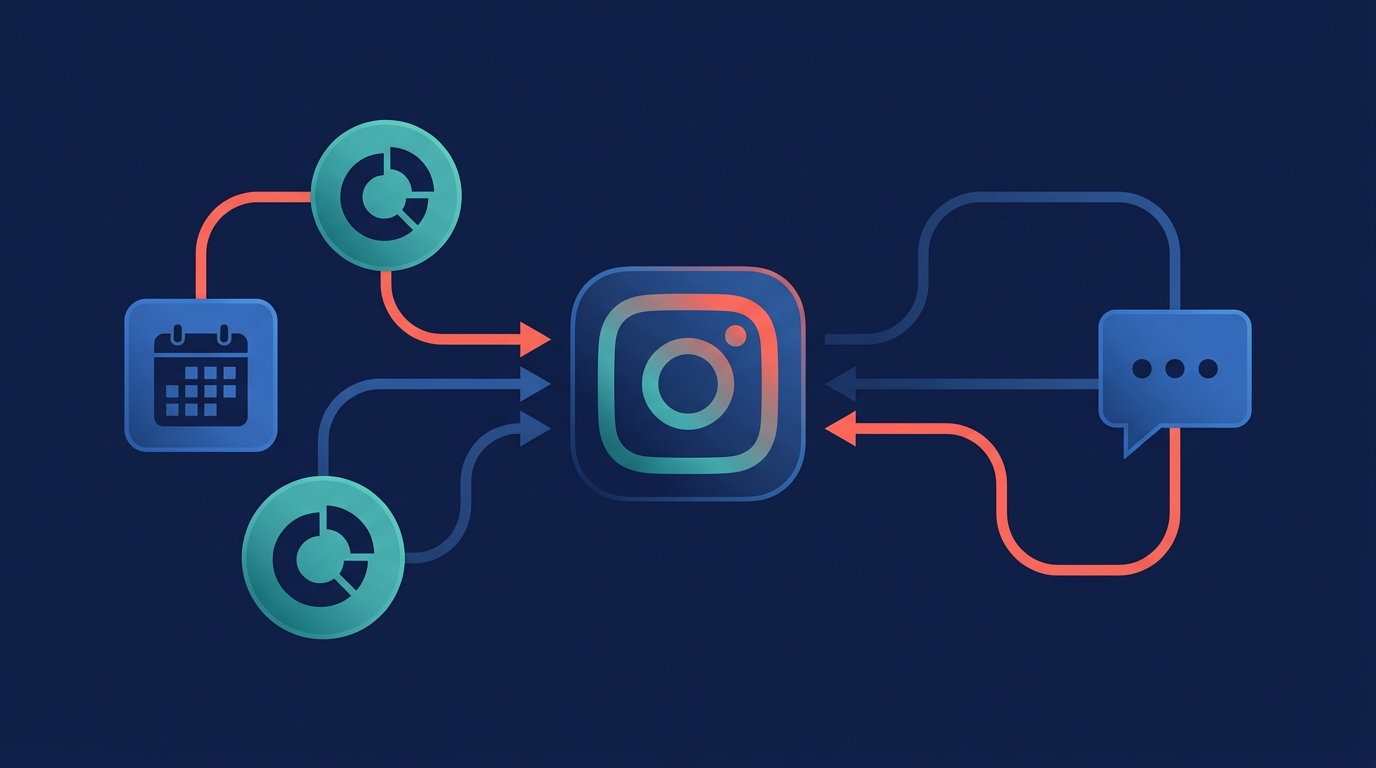
Instagram integrations are connections that link your professional Instagram account with other software tools to automate tasks, sync data, and streamline workflows. For marketing teams, this means moving beyond the native app to efficiently manage content, analyze performance, handle customer interactions, and run ads from a central, collaborative hub.
If your team is still manually posting content, screenshotting analytics, and losing track of DMs, you're leaving efficiency and valuable data on the table. The right integrations transform Instagram from a simple content channel into a powerful, measurable component of your marketing engine. They are the key to unlocking scalability, saving dozens of hours per month, and connecting social activity directly to business outcomes.
Why Instagram Integrations are Non-Negotiable for Modern Marketing
The Instagram app is a fantastic tool for consumers, but for a marketing team managing multiple campaigns, an editorial calendar, and customer conversations, it’s full of limitations. Every manual action—downloading a video from a drive, uploading it to a phone, typing a caption, and posting—is a drain on resources and a potential point of failure.
This manual work creates significant problems:
- Data Silos: Instagram performance data lives inside the app, isolated from your website analytics, ad spend, and CRM data. This makes it incredibly difficult to calculate true ROI.
- Workflow Inefficiency: Without integrations, tasks like content approvals, scheduling, and responding to comments are chaotic and untrackable, often happening across spreadsheets, emails, and Slack messages.
- Lack of Collaboration: The native app is designed for a single user, not a team. It lacks features for assigning comments, drafting posts for review, or setting user-permissions.
- Scalability Issues: As your brand presence grows, manually managing content and engagement across multiple accounts or for various clients becomes unsustainable.
By connecting Instagram to your marketing stack, you solve these problems. You create a seamless flow of information that automates repetitive tasks, provides a holistic view of performance, and empowers your team to work more strategically.
Core Categories of Instagram Integrations for Marketing Teams
Instagram integrations aren't a one-size-fits-all solution. They fall into several key categories, each addressing a specific marketing function. A truly effective strategy often involves combining these capabilities, ideally within a single, unified platform.
Content Publishing & Scheduling
This is the most fundamental integration category. Instead of publishing content in real-time from a mobile device, these tools allow you to plan, create, and schedule all your Instagram content—including Reels, Stories, Carousels, and single-image posts—from a desktop.
Key functions:
- Visual Content Calendar: Plan your feed's aesthetic and posting cadence weeks or months in advance.
- Automated Publishing: Schedule posts to go live automatically at optimal times, ensuring a consistent presence without manual intervention.
- Collaboration & Approvals: Create drafts, leave feedback for team members, and implement multi-step approval workflows before content goes live.
- Central Asset Library: Store and manage all your approved media in one place, easily accessible for all social channels.
Unified marketing platforms like MarketPilot centralize this process, allowing you to manage your Instagram calendar alongside your content for Facebook, LinkedIn, Pinterest, and more, all from a single dashboard.
Analytics & Reporting
While Instagram Insights provides useful top-level metrics, integrations take your analytics to a new level. They pull data via the Instagram Graph API and present it within a broader marketing context.
Key functions:
- Cross-Channel Dashboards: Compare Instagram's performance against your other social channels, email campaigns, and ad platforms.
- Custom Report Building: Create and automate reports with the specific KPIs that matter to your stakeholders, such as engagement rate by content type or follower growth over time.
- Competitive Benchmarking: Track your performance against key competitors to identify opportunities and threats.
- ROI Tracking: Connect social media engagement and ad spend to website traffic and conversions.
Community Management & Unified Inbox
As your account grows, managing comments and Direct Messages within the app becomes overwhelming. Unified inbox integrations funnel all these interactions into a single, manageable queue.
Key functions:
- Single View of Conversations: See all Instagram comments, DMs, and mentions in one place.
- Team Collaboration: Assign messages to specific team members for follow-up, ensuring no customer query is missed.
- Saved Replies: Use templates to respond to frequently asked questions quickly and consistently.
- Conversation Tagging: Categorize messages (e.g., 'lead,' 'customer support,' 'feedback') to identify trends and track resolution times.
E-commerce & Social Selling
For retail and D2C brands, integrating Instagram with an e-commerce platform is critical for driving sales directly from the app.
Key functions:
- Product Tagging: Connect your product catalog (from Shopify, BigCommerce, etc.) to tag products in your posts and Stories.
- Instagram Shopping: Create a seamless storefront on your Instagram profile, allowing users to browse and purchase without leaving the app.
- Inventory Sync: Ensure product availability and pricing are always up-to-date between your e-commerce store and Instagram.
CRM & Lead Generation
Integrating Instagram with your Customer Relationship Management (CRM) system bridges the gap between social engagement and your sales funnel.
Key functions:
- Lead Form Sync: Automatically send lead information captured from Instagram Lead Ads directly into your CRM (e.g., HubSpot, Salesforce).
- Social Activity Logging: Track a contact's interactions with your Instagram profile within their CRM record, giving your sales team valuable context.
- DM-to-CRM Pipelines: Use tools to create new CRM contacts from promising DM conversations.
Native Tools vs. Third-Party Platforms: A Comparison
While Instagram offers some business features natively, they pale in comparison to the capabilities of a dedicated third-party platform. Here’s how they stack up:
| Feature | Native Instagram Tools | Third-Party Platforms (e.g., MarketPilot) |
|---|---|---|
| Content Scheduling | Limited, basic scheduling for posts and Reels. No calendar view. | Advanced visual calendar, all formats supported, optimal time suggestions. |
| Multi-Channel Mgmt | None. Must manage each social platform separately. | Manage Instagram, Facebook, LinkedIn, Pinterest, etc., from one place. |
| Approval Workflows | Non-existent. Relies on manual sharing and feedback. | Multi-step, customizable approval chains for team and client collaboration. |
| Advanced Analytics | Basic post and account-level insights. Data is siloed. | Cross-channel reporting, custom dashboards, competitive analysis, ROI tracking. |
| Unified Inbox | Separate inboxes for DMs and comments. No team features. | Single inbox for all interactions, with assignments, tagging, and templates. |
| Ad Management | Basic 'Boost Post' functionality within the app. | Integrated ad campaign management alongside organic social and other ad networks. |
How to Choose the Right Instagram Integration Stack
With so many tools available, selecting the right ones can be daunting. Follow this strategic approach to build an effective and efficient integration stack.
1. Identify Your Core Needs and Pain Points
Start by auditing your current workflow. Where are the biggest bottlenecks?
- Is your team spending too much time manually posting content?
- Are you struggling to prove the ROI of your Instagram efforts?
- Are customer questions in DMs going unanswered?
Your most significant pain points should guide your initial search. If scheduling is your biggest headache, a powerful content management tool is your priority. If reporting is the problem, focus on analytics integrations.
2. Prioritize Official Meta Business Partners
This is a critical, non-negotiable step. Only use tools that are official Meta Business Partners. These companies have been vetted by Meta and use the official Instagram Graph API. This ensures:
- Security: Your account credentials are safe and you aren't at risk of being suspended.
- Stability: The integration is reliable and won't break with every Instagram update.
- Full Feature Access: They have access to the latest API features, like Reels and Stories scheduling.
Never use a tool that asks for your Instagram password directly. Official integrations will always authenticate through a secure Facebook login pop-up.
3. Evaluate All-in-One vs. Point Solutions
Your next decision is whether to use multiple, specialized 'point solutions' (one tool for scheduling, another for analytics, a third for DMs) or an all-in-one platform.
While point solutions can be powerful in their niche, they often lead to 'tool sprawl'—a disjointed, expensive, and inefficient tech stack. An all-in-one platform consolidates these functions into a single subscription and interface. A unified platform like MarketPilot reduces data fragmentation and provides a single source of truth for your entire marketing operation, from social publishing and ads to analytics and collaboration.
4. Consider Scalability and Team Collaboration
Think about your future needs. The right tool should grow with you. Does it support multiple brands or client accounts? Can you set granular user permissions for different team members (e.g., creator, approver, analyst)? Strong collaboration features, such as internal commenting on draft posts and clear approval flows, are essential for any team larger than one person.
The Power of a Truly Unified Platform
Ultimately, the goal of Instagram integrations is to break down silos and operate more strategically. Connecting your Instagram account to a scheduler is a good first step, but the real power comes from connecting it to a comprehensive marketing operations platform.
When your organic Instagram publishing, Instagram Ads management, Engage inbox, and cross-channel analytics all live in the same place, you unlock a new level of insight and control. You can see exactly how an organic post's performance informs an ad campaign's creative. You can track a customer's journey from a comment on a Reel to a support ticket in your unified inbox.
Platforms like MarketPilot are designed to be this central command center. By integrating Instagram alongside your other critical channels, you move from reactive posting to strategic, data-driven marketing. Explore our full list of features to see how publishing, ads, and analytics can work together seamlessly, creating a system that not only saves time but drives measurable growth.
Frequently asked questions
Related posts
More on the topics covered in this article.