
The Marketer's Guide to Pinterest Connectors: From Scheduling to Analytics
August 30, 2026 · 7 min read
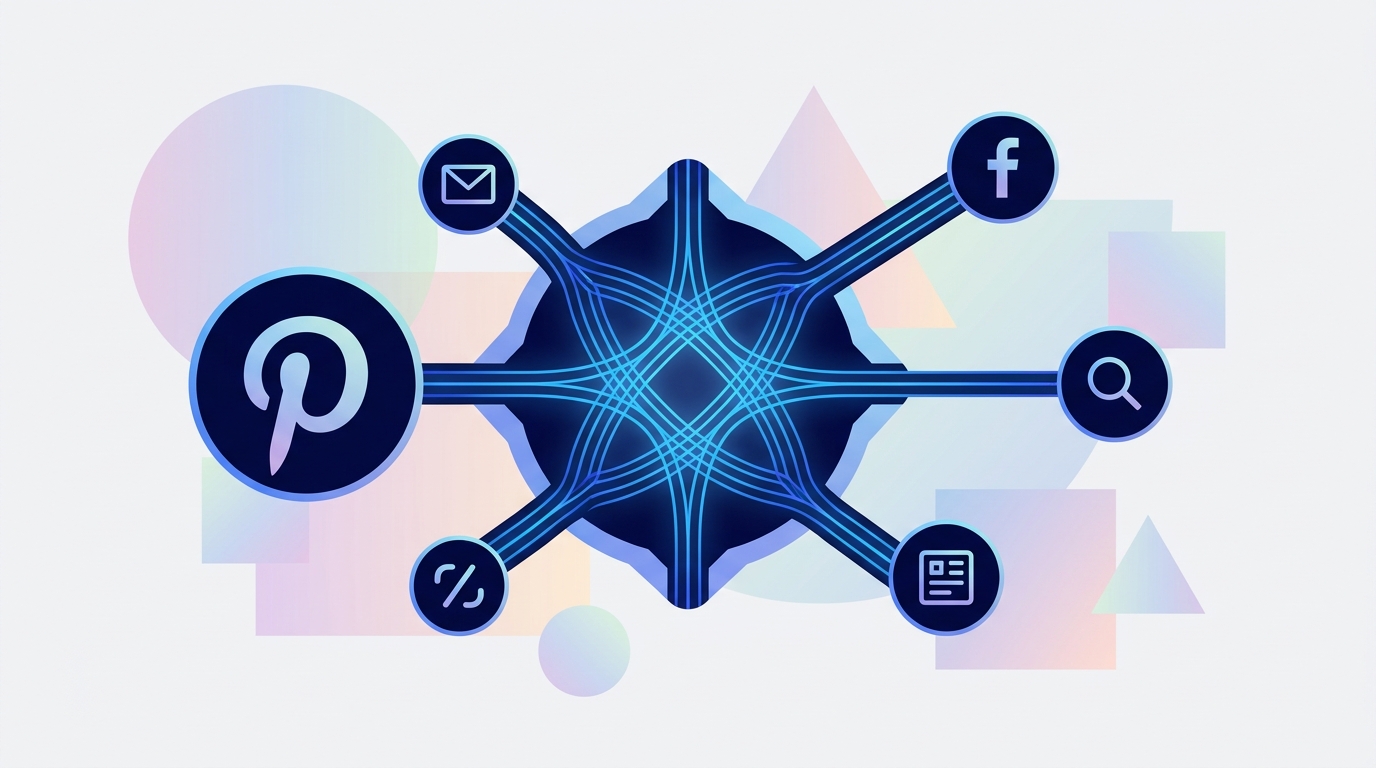
A Pinterest connector is a software tool or API integration that links your Pinterest business account to other marketing platforms, data warehouses, or business intelligence tools. This connection enables marketing teams to automate tasks like content scheduling, ad campaign management, and performance reporting, centralizing operations and unlocking deeper cross-channel insights.
For modern marketing teams, Pinterest isn't just another social network; it's a powerful visual discovery engine where users plan their futures, from home renovations to purchases. But managing it in a silo, separate from your other marketing channels, is a recipe for inefficiency and missed opportunities. This is where a Pinterest connector becomes an essential part of your marketing operations stack.
This guide will walk you through what a Pinterest connector is, the different types available, and how to choose the right one to fully integrate Pinterest into your broader marketing strategy.
What Exactly is a Pinterest Connector?
A Pinterest connector acts as a bridge. It uses Pinterest's official API (Application Programming Interface) to securely send and receive data between your Pinterest account and another piece of software. Instead of manually uploading Pins, creating ad campaigns on Pinterest's native platform, and exporting CSV files for reporting, a connector automates these workflows within a more comprehensive tool.
Think of it less as a simple 'plug-in' and more as a strategic integration that brings Pinterest into your central marketing hub. There are several categories of connectors, each designed to solve a different problem:
- All-in-One Marketing Platforms: These tools provide a native Pinterest connection as part of a larger suite for managing multiple channels. They handle publishing, ads, approvals, and analytics for Pinterest alongside platforms like Meta, Google, and LinkedIn.
- Data & BI Connectors: Tools like Supermetrics or Fivetran are designed to pull raw data from Pinterest (and other sources) and feed it into a data warehouse (like BigQuery) or a business intelligence tool (like Looker or Tableau) for advanced, custom reporting.
- Workflow Automation Tools: Platforms like Zapier or Make.com offer 'if-this-then-that' style connectors. For example, you could create a workflow to automatically create a new Pin whenever a new product is added to your Shopify store.
- E-commerce Platform Integrations: Direct integrations, like the Shopify Pinterest app, focus on syncing product catalogs to create shoppable Pins and track conversions originating from Pinterest.
Key Benefits of Using a Pinterest Connector
Integrating Pinterest with a connector moves it from a standalone task to a cohesive part of your marketing operations. The benefits are immediate and strategic.
Centralized Content & Ad Management
Instead of logging into multiple platforms, your team can plan, create, approve, and schedule Pins within the same content calendar used for Instagram, Facebook, and LinkedIn. This provides a holistic view of your entire content strategy, preventing message clashes and ensuring brand consistency.
Streamlined Team Collaboration
Manual Pinterest management often involves spreadsheets for planning and Slack channels for approvals. A connector within a marketing platform introduces structured approval workflows. A designer can upload Pin creative, a copywriter can add text, and a manager can approve it—all in one place, with a clear audit trail.
Unified, Cross-Channel Analytics
How is your Pinterest ad campaign performing against your Google Search and Meta retargeting campaigns? Answering this question is nearly impossible with siloed data. A robust connector pulls Pinterest performance metrics into a unified dashboard, allowing you to compare cost-per-click (CPC), return on ad spend (ROAS), and engagement rates across all your active channels.
Enhanced Scheduling & Automation
Go beyond one-off Pinning. A good connector allows you to schedule all Pin formats—including Static, Video, and Idea Pins—weeks or months in advance. You can bulk-upload content, optimize for the best posting times, and ensure a consistent presence on the platform without daily manual effort.
How to Choose the Right Pinterest Connector for Your Team
With different types of connectors available, selecting the right one depends entirely on your team's primary goals and existing workflow.
1. Identify Your Core Problem
Start by defining what you need to solve. Are you struggling with:
- Inefficient Scheduling: Your team spends too much time manually uploading Pins.
- Fragmented Reporting: You can't easily compare Pinterest's impact to other channels.
- Disjointed Ad Strategy: Your Pinterest Ads are managed completely separately from your other paid media efforts.
- Collaboration Chaos: Approval processes are messy and lack visibility.
Your primary pain point will guide your choice. If scheduling is the only issue, a simple scheduler might suffice. If all of the above are problems, you need an integrated marketing platform.
2. Evaluate Key Features
Once you know your goal, audit potential solutions for these critical features:
- Supported Pin Formats: Does it support Static Pins, Video Pins, and multi-page Idea Pins? The ability to schedule all formats is non-negotiable.
- Ad Management Capabilities: Can you create, manage, and optimize campaigns? Look for features like audience targeting, budget pacing, and performance reporting.
- Analytics & Reporting Depth: Does it just show basic metrics (impressions, clicks), or can you build custom dashboards, track conversions, and compare performance over time and across channels?
- Collaboration & Approvals: Are there multi-step approval workflows, user roles and permissions, and a centralized asset library?
Comparison of Pinterest Connector Types
| Connector Type | Primary Use Case | Key Features | Best For |
|---|---|---|---|
| All-in-One Platform | Centralizing all marketing operations for efficiency and cross-channel insights. | Scheduling, Ads, Analytics, Approvals, Engage Inbox, AI Content Gen. | Marketing teams managing 3+ channels who need a single source of truth. |
| Data & BI Connector | Aggregating raw data for custom analysis and business intelligence. | Data extraction, transformation, loading (ETL); schema mapping. | Companies with a dedicated data analytics team and a data warehouse. |
| E-commerce Integration | Syncing product catalogs for shoppable Pins and sales attribution. | Product catalog sync, conversion tracking tag installation, dynamic retargeting. | E-commerce businesses, especially those on platforms like Shopify or BigCommerce. |
| Workflow Automator | Connecting Pinterest to other apps for simple, automated tasks. | Trigger-and-action logic, connecting hundreds of different web apps. | Small teams or individuals looking to automate very specific, repetitive tasks. |
Integrating Pinterest into a Unified Marketing Platform
For most marketing teams, the goal is not just to automate Pinterest but to integrate it fully into a holistic strategy. Using separate tools for scheduling, ads, and analytics for each channel re-creates the same silos you're trying to break down. This is where the value of an all-in-one marketing operations platform becomes clear.
A platform like MarketPilot provides a robust, native Pinterest connector as part of a unified system. This means you can:
- Plan Holistically: Drag and drop Pins, Instagram Stories, and LinkedIn articles on the same visual content calendar.
- Manage Budgets Centrally: Allocate and monitor ad spend across Pinterest, Meta, and Google from a single interface, shifting budget to the best-performing channel in real-time.
- Report Cohesively: Build dashboards that show your entire marketing funnel, from Pinterest impressions to website conversions, without ever exporting a spreadsheet.
This approach transforms your workflow. Instead of a 'Pinterest person' and a 'Facebook person', your team becomes a unified growth engine, making decisions based on complete, cross-channel data.
Beyond the Basics: Advanced Use Cases
Once you have a powerful Pinterest connector in place, you can move beyond simple scheduling and reporting.
- Full-Funnel Campaign Analysis: Track a user's journey from an initial impression on a Pinterest Idea Pin to a click on a Google Search ad and a final conversion. This level of insight is only possible when all your channel data lives in one place.
- Automated Content Repurposing: Use AI content generation tools within your platform to repurpose top-performing blog posts into a series of Pins, complete with optimized descriptions and hashtags.
- Competitive & Trend Monitoring: Leverage integrated analytics to see which of your Pins are driving the most engagement and saving activity, informing your future content strategy based on what your audience truly wants.
Conclusion: Your Connector is Your Command Center
A Pinterest connector is more than a simple automation tool; it’s the key to unlocking Pinterest’s true potential as a strategic marketing channel. By breaking down data silos and centralizing workflows, you empower your team to be more efficient, collaborative, and data-driven.
When choosing a solution, look beyond the immediate problem you're trying to solve. Consider where your team is headed. For marketing teams focused on scalable, integrated growth, an all-in-one platform with a native Pinterest connector offers the most comprehensive solution. It provides the foundation not just for better Pinterest marketing, but for a smarter, more cohesive marketing operation overall. Explore how a unified approach can transform your strategy by looking at the available features of an integrated platform.
Frequently asked questions
Related posts
More on the topics covered in this article.