
How to Connect Facebook Ads to an AI Copilot: A Marketer's Guide
August 26, 2026 · 8 min read
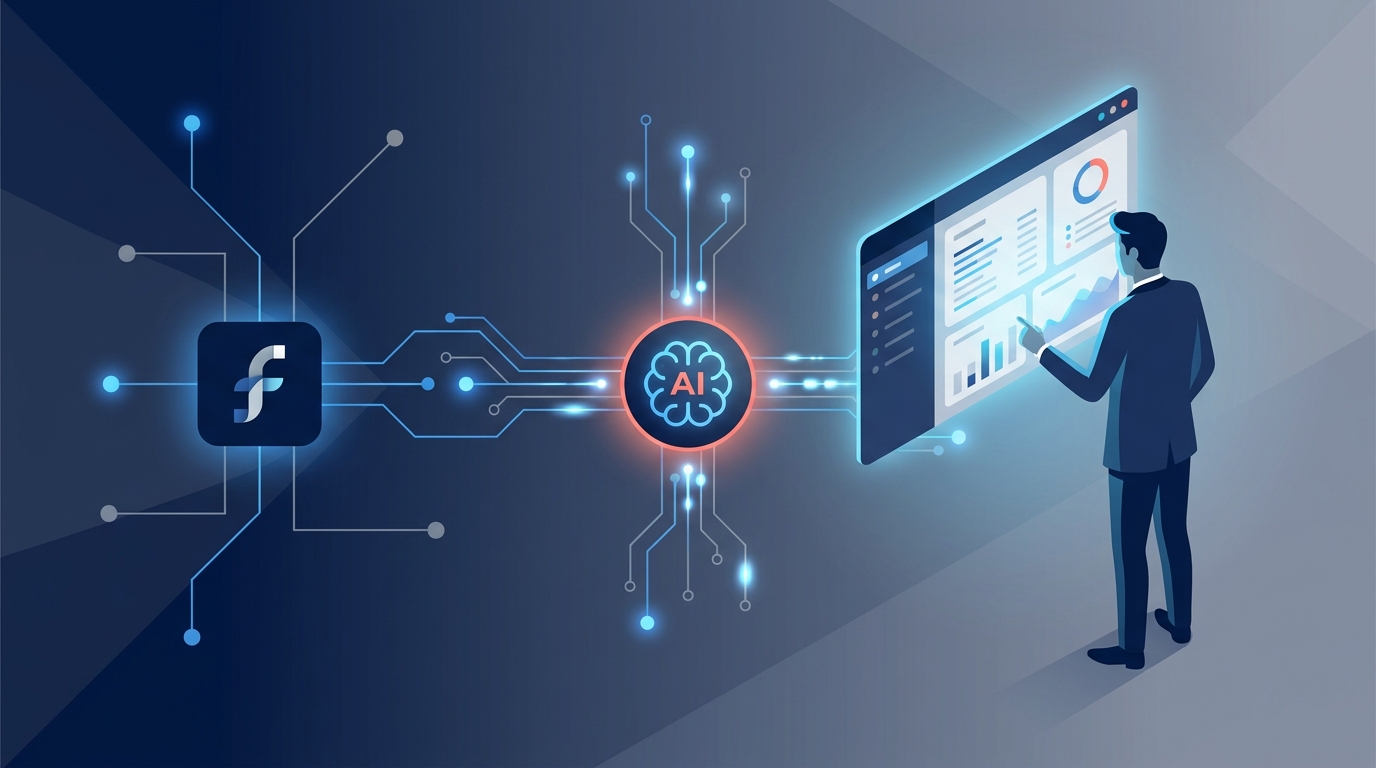
Connecting Facebook Ads to a copilot means integrating your ad account with an AI-powered marketing platform through a secure API. This process allows you to manage campaigns, generate creative, automate optimizations, and analyze performance from a central hub, leveraging artificial intelligence to enhance the capabilities of Meta's native tools.
For modern marketing teams, the question isn’t if you should use AI, but how you can integrate it effectively into your core operations. While Meta Ads Manager is a powerful tool, its complexity can create bottlenecks, silo data, and consume valuable hours. By connecting your ad account to an AI copilot, you transform your ad management from a manual, reactive process into a streamlined, proactive engine for growth.
Why Connect Facebook Ads to an AI Copilot?
Before diving into the technical steps, it's crucial to understand the strategic advantages. The native Ads Manager, for all its features, often leaves teams juggling multiple tabs, spreadsheets, and communication channels. An AI copilot acts as a centralized command center, addressing these key pain points.
Overcoming the Limits of Native Tools
- Operational Complexity: The sheer number of settings, objectives, and placement options in Ads Manager can be overwhelming. A poorly configured campaign can easily drain your budget with minimal results.
- Creative Bottlenecks: Developing fresh ad copy and visuals is a constant demand. Teams often struggle to produce enough variations for effective A/B testing, leading to ad fatigue and declining performance.
- Siloed Analytics: Your Facebook Ads data lives in isolation from your Google Ads, LinkedIn campaigns, and organic social efforts. Creating a holistic view of performance requires manual data exporting and consolidation, which is both tedious and prone to error.
- Manual Optimization: While Meta offers some automation with Advantage+ campaigns, true strategic optimization—like reallocating budget based on cross-channel performance or pausing underperforming ads based on custom rules—still requires significant manual oversight.
The Benefits of an AI-Powered Connection
Integrating with an AI marketing platform provides immediate and long-term benefits:
- Streamlined Campaign Management: Create, launch, and monitor campaigns from a single, intuitive interface. Features like approval workflows ensure all ad creative and copy are vetted by stakeholders before going live, eliminating messy email chains.
- AI-Enhanced Creativity: Generate dozens of ad copy variations, headlines, and creative ideas in seconds. An AI copilot can analyze top-performing ads to suggest new angles, helping your team overcome creative blocks and scale testing efforts.
- Intelligent Automation: Set up rules to automatically pause low-performing ads, reallocate budgets to winning ad sets, or get alerts for significant performance shifts. This frees your team to focus on strategy rather than constant manual adjustments.
- Unified Reporting: The most significant advantage is a single source of truth. By connecting all your ad accounts, you can see how Facebook Ads are performing relative to your other paid channels. This is essential for making informed, high-level budget decisions. Centralized analytics across all your platforms is a game-changer for strategic planning.
Understanding Your 'Copilot' Options
The term "copilot" can refer to different types of tools. In the context of Facebook Ads, there are three main categories to consider.
-
Native AI Features in Meta Ads Manager: Meta has been aggressively integrating AI into its own platform with features like Advantage+ campaigns, which automate audience targeting, placements, and creative delivery. These are useful but keep you locked within the Meta ecosystem, lacking cross-platform insights and advanced operational tools.
-
Standalone AI Creative Tools: These are specialized tools (e.g., copy generators, image creators) that assist with one specific part of the ad creation process. While helpful for generating assets, they don't integrate with Ads Manager for campaign launching, management, or analytics. You still have to manually transfer the assets into your campaigns.
-
AI Marketing Operations Platforms: This is the true "copilot" for marketing teams. Platforms like MarketPilot integrate directly with the Meta Ads API to provide end-to-end management. They combine AI content generation with campaign management, scheduling, approvals, and unified analytics. This holistic approach is what truly transforms your workflow.
How to Connect Facebook Ads to an AI Platform: A Step-by-Step Guide
Connecting your ad account is a secure, standardized process that typically takes just a few minutes. The steps are similar across most high-quality marketing platforms.
### Step 1: Pre-Flight Check: Permissions and Prerequisites
Before you begin, ensure you have the necessary access to avoid any hitches:
- Admin Access: You must have Admin-level access to the Facebook Business Manager (now Meta Business Suite) that owns the ad account.
- Correct Ad Account Role: Within the Business Manager, you need "Manage Campaigns" access (or higher) for the specific ad account you want to connect.
- Associated Assets: Make sure the relevant Facebook Page and Instagram Account are correctly associated with the ad account within your Business settings.
- Valid Payment Method: The ad account must have a valid and active payment method on file with Meta.
### Step 2: Initiate the Connection from Your AI Platform
Navigate to the integrations or connections section of your chosen AI platform. In a platform like MarketPilot, this is typically found under "Settings" > "Integrations" or a dedicated "Connect Account" button on the main dashboard.
- Click Connect or Add New Account.
- Select Facebook or Meta from the list of available platforms.
- This will trigger a pop-up window from Facebook, asking you to log in and authorize the connection. This is a secure OAuth (Open Authorization) process—you are not giving the platform your password.
### Step 3: Granting Permissions in the Facebook Pop-Up
Facebook will now ask you to approve the permissions the AI platform is requesting. These are standard and necessary for the tool to function. Common permissions include:
ads_management: Allows the platform to create and edit campaigns, ad sets, and ads on your behalf.ads_read: Allows the platform to read your campaign performance data for analytics and reporting.business_management: Allows the platform to see which ad accounts and pages you have access to so you can select them.pages_show_list,pages_read_engagement: Needed to associate your ads with the correct Facebook Page and pull in engagement metrics.
Carefully review and approve these permissions. Declining essential permissions will cause the integration to fail.
### Step 4: Select Your Ad Account and Assets
Once you've granted permission, the pop-up will close, and you'll be returned to the AI platform. You will now be presented with a list of the ad accounts and pages your Facebook profile has access to.
- Select the specific Ad Account you want to connect.
- If prompted, select the corresponding Facebook Page and Instagram Account.
Confirm your selection. The platform will now begin its initial data sync, pulling in your existing campaigns, ad sets, ads, and historical performance data. This may take a few minutes depending on the volume of data.
Meta Ads Manager vs. AI Copilot Platform: A Comparison
Here’s a practical breakdown of how managing campaigns differs between the native tool and a fully integrated AI copilot.
| Feature | Native Meta Ads Manager | AI Marketing Copilot Platform (e.g., MarketPilot) |
|---|---|---|
| Campaign Creation | Manual, multi-step process within a complex interface. | Guided, streamlined workflows. Ability to duplicate and adapt campaigns across channels. |
| Creative Generation | Limited native tools. Requires manual creation and upload. | Integrated AI generates dozens of copy and headline variations instantly. |
| Audience Targeting | Powerful but requires deep knowledge and manual setup. | Can suggest audiences based on performance data and simplify setup. |
| Team Collaboration | Requires adding users directly to Business Manager. No approval flows. | Built-in approval workflows for creative, copy, and budgets. Commenting and task assignment. |
| Optimization | Relies heavily on Advantage+ or manual bid/budget adjustments. | Automated rules, AI-powered budget allocation, and performance alerts. |
| Reporting & Analytics | Deep data, but siloed to Meta platforms. | Unified dashboard showing Meta, Google, LinkedIn, etc., performance side-by-side. |
Putting Your Connection to Work: Practical Use Cases
Once connected, you can move beyond simple management and into strategic execution.
1. Supercharge Creative A/B Testing Instead of writing two or three ad copy variations, use the AI copilot to generate 20 in under a minute. Launch a campaign that tests multiple headlines, body copy, and CTAs simultaneously. The platform can then automatically identify the winning combinations and shift the budget toward them, accelerating your learning process exponentially.
2. Build a Unified Performance Dashboard Stop exporting CSVs. With your Facebook, Google, and LinkedIn accounts all connected, you can build a single dashboard that answers critical questions: What is our blended cost per lead across all channels? Is our ROAS on Facebook higher or lower than on Google this month? This holistic view is impossible to achieve efficiently within a single native ad platform.
3. Implement Bulletproof Approval Workflows A junior marketer drafts a new set of ads for an upcoming promotion. Before it can be published, the ad and its budget are automatically sent to the marketing manager for approval directly within the platform. The manager reviews, leaves a comment requesting a small copy change, and approves it. The ad goes live without a single email or Slack message. This level of operational control is a core benefit of platforms like MarketPilot.
4. Automate Defensive Campaign Monitoring Set up a simple rule: "If the Cost Per Result for any ad in Campaign X increases by more than 25% day-over-day, pause the ad and send me a notification." This acts as a safety net, preventing runaway spend on an underperforming ad, especially over a weekend or holiday.
Conclusion: Your Next Strategic Step
Connecting Facebook Ads to an AI copilot is more than a technical integration; it's a strategic upgrade for your entire marketing operation. It replaces manual toil with intelligent automation, creative guesswork with data-driven ideation, and fragmented data with a unified source of truth.
By leveraging a central platform, your team can spend less time navigating the complexities of Ads Manager and more time analyzing performance, refining strategy, and driving meaningful business results. It’s the key to scaling your advertising efforts efficiently and effectively.
Ready to see how an AI-powered marketing operations platform can transform your workflow? Explore the complete set of features designed for high-performance marketing teams.
Frequently asked questions
Related posts
More on the topics covered in this article.