
The Strategic Guide to Connecting Pinterest Ads with an AI Copilot
September 2, 2026 · 6 min read
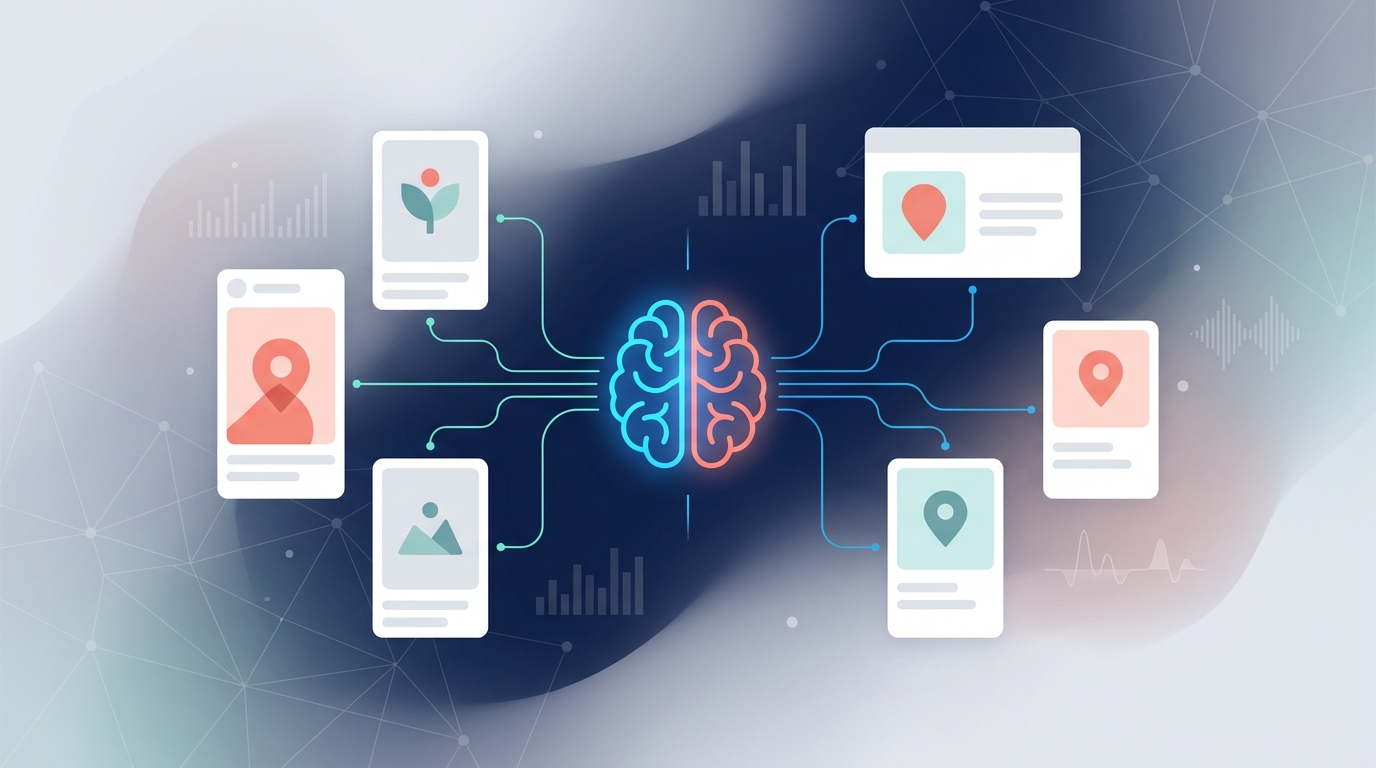
Connecting Pinterest Ads to an AI copilot involves using a marketing operations platform to authorize access via API. This centralizes your ad management, allowing the AI to analyze performance, automate reporting, and provide optimization suggestions alongside your other marketing channels, moving you from isolated tactics to an integrated strategy.
Pinterest is more than a social network; it’s a visual discovery engine where users actively plan purchases. For marketers, this represents a high-intent audience ready to engage. However, managing Pinterest Ads in a silo, separate from your Meta, Google, or LinkedIn campaigns, creates data gaps and operational friction. By connecting your ad account to an AI-powered copilot, you transform raw performance data into actionable, cross-channel intelligence.
Why Connect Pinterest Ads to an AI Copilot? The Strategic Advantage
Integrating Pinterest Ads into a central AI platform isn't just about convenience. It’s a strategic move to unlock deeper insights and drive efficiency across your entire marketing function. The benefits extend far beyond what a standalone scheduler or the native Pinterest Ads Manager can offer.
Unified Analytics & Cross-Channel Insights
When your Pinterest Ads data lives in isolation, you can only answer questions about Pinterest. When it's connected to a copilot, you can ask bigger questions:
- Attribution: How do our Pinterest discovery campaigns influence conversions driven by Google Search ads?
- Audience Overlap: Are we reaching the same audience on Pinterest and Instagram? Is our messaging consistent?
- Performance Benchmarking: Is our Cost Per Acquisition (CPA) on Pinterest competitive with our CPA on Meta for similar campaign goals?
An AI copilot ingests data from all your connected platforms, providing a single source of truth for performance and eliminating the need for manual spreadsheet reporting.
AI-Powered Optimization & Budgeting
Manual campaign optimization is time-consuming and prone to human bias. An AI copilot acts as a tireless analyst, working 24/7 to find opportunities you might miss.
- Performance Alerts: Get notified automatically when a campaign's ROAS drops below a set threshold or when an ad creative is showing signs of fatigue.
- Budget Pacing: The AI can monitor spend across all channels and suggest reallocating budget from an underperforming LinkedIn campaign to a high-converting Pinterest shopping ad mid-flight.
- Predictive Analytics: Based on historical data, the AI can forecast campaign outcomes and recommend adjustments to bidding strategies or targeting parameters to hit your goals.
Streamlined Workflows & Approvals
For marketing teams, the process of creating, approving, and launching a campaign can be fraught with delays. Integrating Pinterest into a marketing operations platform like MarketPilot introduces structure and speed.
- Centralized Asset Management: Store all your Pins, ad copy, and creative assets in one place.
- Collaborative Calendars: Plan your Pinterest campaigns alongside all other marketing activities on a shared calendar.
- Automated Approval Chains: Route new Pins and ad campaigns to stakeholders (e.g., brand manager, legal team) for sign-off directly within the platform. This eliminates endless email threads and ensures everyone is working from the latest version.
Enhanced Creative Intelligence
Pinterest is a visual-first platform. An AI copilot can analyze your creative assets at scale to identify what truly resonates with your audience.
By analyzing thousands of your Pins, the AI can identify patterns related to:
- Color Palettes: Do Pins with warm color schemes drive more saves?
- Image Composition: Do lifestyle images outperform product-only shots for your brand?
- Text Overlays: Which calls-to-action generate the most outbound clicks?
This data provides concrete, evidence-based guidance for your creative team, improving the performance of future campaigns.
How to Connect Pinterest Ads to a Copilot: A Step-by-Step Guide
Connecting your account is typically a straightforward process designed to be completed in minutes. While the exact UI will vary, the core steps are universal.
-
Choose the Right Marketing Operations Platform: Select a platform that offers a robust Pinterest Ads integration. Look for tools that go beyond basic publishing and provide deep analytics and AI features. A comprehensive solution like MarketPilot will support Pinterest alongside all your other core channels.
-
Navigate to the Integrations Hub: Once logged in, find the settings or administration area of the platform. This is usually where you'll find a section labeled "Integrations," "Connected Accounts," or "Platforms."
-
Authorize Pinterest Access: Select Pinterest from the list of available integrations. You will be redirected to a Pinterest login screen. This process uses OAuth, a secure protocol that allows the platform to access your data without ever storing your password. You will be asked to grant specific permissions (e.g., manage ads, read analytics).
-
Configure Your Ad Accounts: After authorizing, you will be returned to the copilot platform. Here, you'll select the specific Pinterest Ad Account(s) you want to connect. This is crucial for agencies or brands that manage multiple accounts.
-
Start Analyzing: Once connected, the platform will begin ingesting your historical and real-time data. You can now start building unified dashboards, setting up AI-powered alerts, and managing your Pinterest campaigns alongside everything else.
Choosing Your Copilot: Key Features to Look For
Not all tools are created equal. The value you get from connecting your Pinterest Ads depends entirely on the capabilities of the platform you choose. Here’s how different types of tools stack up:
| Feature | Standalone Pinterest Tool | Basic Social Scheduler | AI Marketing Copilot (e.g., MarketPilot) |
|---|---|---|---|
| Organic Pin Scheduling | ✅ Yes | ✅ Yes | ✅ Yes |
| Basic Pin Analytics | ✅ Yes | ✅ Yes | ✅ Yes |
| Pinterest Ad Management | ✅ Yes | ❌ No | ✅ Yes |
| Cross-Channel Analytics | ❌ No | ❌ No | ✅ Yes |
| AI Performance Alerts | ❌ No | ❌ No | ✅ Yes |
| AI Budget Recommendations | ❌ No | ❌ No | ✅ Yes |
| Unified Approval Workflows | ❌ No | Limited | ✅ Yes |
| Centralized Inbox | ❌ No | Limited | ✅ Yes |
As the table illustrates, while specialized tools can manage Pinterest well, only a true AI marketing copilot provides the integrated intelligence and operational efficiency modern marketing teams need.
Practical Use Cases: Moving from Theory to Action
Here’s how connecting Pinterest Ads to a copilot plays out in real-world scenarios.
Use Case 1: E-commerce Brand Optimizing ROAS
An online furniture retailer runs campaigns across Pinterest, Meta, and Google Shopping. By connecting all three to an AI copilot, their marketing manager can build a single dashboard that displays a blended ROAS. The AI notices that while their Pinterest campaigns have a lower click-through rate, the average order value from those clicks is 30% higher. It recommends shifting 15% of the Meta budget to the top-performing Pinterest shopping campaigns to maximize overall revenue.
Use Case 2: Agency Managing Multiple Client Accounts
A digital marketing agency manages Pinterest Ad accounts for five different CPG brands. Using a multi-tenant platform like MarketPilot allows them to connect all client accounts under one agency login. They can create standardized report templates that pull in Pinterest data, set up automated approval workflows for new creatives, and use the AI to monitor performance across their entire client portfolio, saving dozens of hours each month.
The Future is Integrated
Connecting Pinterest Ads to an AI copilot is a critical step toward building a more intelligent and efficient marketing operation. It breaks down data silos and empowers your team with the insights needed to make smarter, faster decisions. This integration is not just about seeing all your data in one place; it's about understanding how your channels work together to drive business growth.
By unifying your ad platforms, social channels, and team workflows, you create a powerful system where AI augments human expertise. You spend less time wrestling with spreadsheets and more time on strategy, creativity, and building campaigns that resonate with your audience on Pinterest and beyond.
Frequently asked questions
Related posts
More on the topics covered in this article.