
From Hashtags to Dashboards: A Marketer's Guide to Connecting Instagram Public Data to Qlik
October 22, 2026 · 7 min read
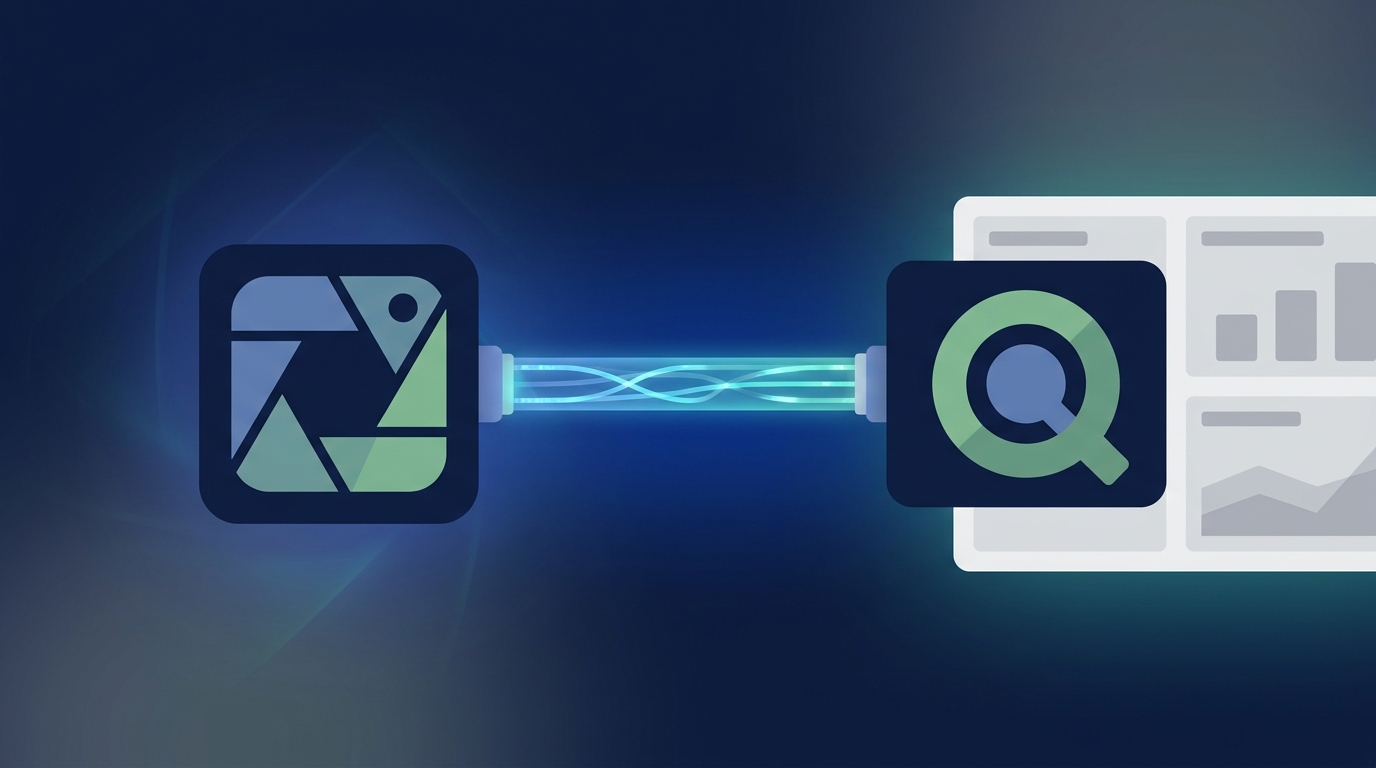
Connecting Instagram public data to Qlik involves using a third-party data connector or ETL (Extract, Transform, Load) tool to pull metrics from competitor profiles and hashtags directly into your Qlik Sense environment. This process allows marketers to move beyond native analytics for deep competitive benchmarking, trend analysis, and creating integrated reports that combine social data with other business intelligence.
Your brand's Instagram performance is only one part of the story. To truly understand your position in the market, you need to analyze what your competitors are doing, which hashtags are driving conversation, and which creators are making an impact. While the Instagram app provides basic insights into your own account, it offers no way to systematically track and analyze this crucial external data. By piping public Instagram data into a powerful BI tool like Qlik, you can transform raw social metrics into a strategic asset for your marketing team.
This guide provides a practical, step-by-step approach for marketers to connect Instagram public data to Qlik, build meaningful dashboards, and unlock actionable insights.
Understanding Instagram Public Data
Before diving into the 'how,' it's important to understand the 'what.' Instagram public data is any information that is visible to anyone on the platform, regardless of whether they are logged in or follow a particular account. This includes:
- Profile Data: Username, bio, follower count, following count, number of posts.
- Post Data: Images, videos, Reels, carousels, captions, timestamps, number of likes, and number of comments for public posts.
- Hashtag Data: The number of posts associated with a public hashtag and the recent public posts that use it.
- Location Data: Public posts tagged with a specific location.
Crucially, this does not include private information like Stories views from non-followers, demographic data of another account's followers, or any metrics from private accounts. The focus is on publicly available information, which is a goldmine for competitive and market analysis.
Why Use Qlik for Instagram Analysis?
Instagram's native analytics are fine for a quick health check of your own account, but they are fundamentally limited. They don't offer competitive views, historical data is often restricted, and you can't blend the data with other marketing sources. Qlik, on the other hand, is a dedicated business analytics platform built for deep data exploration.
Here’s why it’s the right tool for the job:
- Associative Engine: Qlik's unique engine allows you to see connections and relationships across all your data. You can click anywhere to filter everything, uncovering insights you might have missed in a more rigid, query-based tool.
- Custom Dashboards: Build fully customized, interactive dashboards that display the exact KPIs your team cares about. Track competitor follower growth alongside your own, or correlate hashtag usage with engagement spikes.
- Data Integration: Qlik is designed to bring data together from multiple sources. You can analyze Instagram public data next to your Google Ads performance, HubSpot CRM data, and sales figures to create a holistic view of marketing impact.
- Automated Reporting: Set up automated data refreshes and reports, saving your team hours of manual data collection and spreadsheet manipulation each week.
Methods for Connecting Instagram to Qlik
There are three primary methods to get Instagram public data into Qlik. For most marketing teams, the first option is the most practical and efficient.
Method 1: Third-Party Data Connectors (Recommended)
This is the most popular and reliable approach. ETL (Extract, Transform, Load) platforms and data connectors are purpose-built to bridge the gap between APIs (like Instagram's) and BI tools (like Qlik). They handle the complex technical work of authentication, data extraction, pagination, and formatting, presenting you with a clean data stream.
How it works: You use the connector's interface to authenticate your accounts, select the Instagram profiles or hashtags you want to track, choose the metrics (e.g., likes, comments, follower count), and set the destination as your Qlik Sense app. The service then automatically pulls the data on a schedule you define.
Popular Tools: Supermetrics, Funnel.io, Stitch Data, Fivetran.
Method 2: Direct API Integration
For organizations with dedicated developer resources, building a custom integration using the Instagram Graph API is an option. This method offers maximum flexibility but comes with significant overhead.
Your development team would need to:
- Register as a Facebook Developer and create an app.
- Handle OAuth 2.0 for authentication.
- Write scripts to query the specific API endpoints for public data.
- Manage API rate limits and potential changes to the API over time.
- Build a data pipeline to load the extracted data into Qlik.
This approach is powerful but costly to build and maintain, making it unsuitable for most marketing departments.
Method 3: Manual Export & Scraping (Not Recommended)
This involves manually copying data into spreadsheets or using web scraping tools to pull information from Instagram's website. This method is brittle, time-consuming, and often violates Instagram's Terms of Service. It's not scalable and any change to Instagram's website layout can break your process. We strongly advise against this for any serious analytics project.
Comparison of Methods
| Method | Ease of Use | Cost | Reliability | Scalability |
|---|---|---|---|---|
| Third-Party Connector | High | Subscription Fee | High | High |
| Direct API Integration | Low (Requires Devs) | High (Dev Time) | Medium (Maintenance) | High |
| Manual Export/Scraping | Medium | Low | Very Low | Very Low |
A Step-by-Step Guide Using a Connector
Let's walk through the general process of using a third-party connector, as it's the most common path.
- Select Your Connector: Research and choose an ETL tool that lists both Instagram Public Data and Qlik as supported integrations.
- Authenticate Your Accounts: In the connector's platform, you will be prompted to securely connect to your Qlik instance and authenticate with a Facebook/Instagram Business account.
- Configure Your Query: This is the core step. You'll specify what data you want to pull. For example:
- Source: Select the specific competitor Instagram profiles you want to track by their username.
- Data Type: Choose 'Profile Info' or 'Posts'.
- Metrics: Select dimensions like
Post Date,Post Type,Caption, and metrics likeLikes,Comments,Followers.
- Set the Destination: Choose your Qlik Sense app as the destination for the data. You'll typically need to provide your server URL and authentication details.
- Schedule Refreshes: Configure how often you want the data to be updated—daily is a common choice for social media tracking. This automation is what saves you from manual work.
- Build Your Qlik App: Once the data starts flowing into Qlik, you can begin building your visualizations. Drag and drop to create charts, tables, and KPIs that bring your competitive analysis to life.
Key Metrics to Track in Your Qlik Dashboard
Once the data pipeline is built, the real fun begins. What should you actually track? Focus on metrics that lead to strategic decisions.
For Competitor Benchmarking:
- Follower Growth Over Time: A line chart comparing your follower growth rate to that of 2-3 key competitors.
- Engagement Rate: Calculate this as
(Likes + Comments) / Followers. Track your ER versus competitors to see who is creating more resonant content. - Content Mix & Performance: Use a bar chart to compare the performance (e.g., average engagement) of different post types (Image, Video, Reel, Carousel) for each competitor.
- Posting Frequency: How often do your competitors post? Is there a correlation between their frequency and engagement?
For Hashtag & Trend Analysis:
- Hashtag Volume: Track the number of posts for key industry hashtags over time to spot emerging trends.
- Top Performing Posts by Hashtag: Identify the most engaging content for a given hashtag to understand what resonates with that audience.
- Associated Hashtags: Use a word cloud or table to see which other hashtags are commonly used alongside your primary ones.
While connectors handle the pipeline, a marketing operations platform like MarketPilot helps you manage the source. By centralizing your content scheduling, approvals, and campaign data across Instagram and other channels, you create a clean, organized dataset ready for deeper analysis.
From Siloed Data to a Holistic View
The true power of this integration is realized when you blend Instagram public data with your own performance metrics and other business data. The goal is to move from a single-channel report to a comprehensive business intelligence dashboard.
Using a unified platform like MarketPilot to manage all your social media publishing and ad campaigns ensures you have a single source of truth for your owned activities. You can then feed this comprehensive dataset alongside the competitor data into Qlik to build a 360-degree view of your market landscape. Imagine a Qlik dashboard where you can filter by a campaign theme and see:
- Your paid ad performance from Meta.
- Your organic post engagement from Instagram.
- Your competitors' public post engagement on the same theme.
- The resulting website traffic from Google Analytics.
This is how you connect marketing activities directly to business outcomes, and it all starts with building robust data pipelines.
Connecting Instagram public data to Qlik is a powerful step towards becoming a more data-driven marketing organization. It moves you from vanity metrics to actionable competitive intelligence, enabling you to spot trends faster, understand your audience better, and create more effective content strategies.
Frequently asked questions
Related posts
More on the topics covered in this article.