
Beyond the 'Like': A Marketer's Guide to Connecting Instagram Insights to an AI Copilot
October 6, 2026 · 8 min read
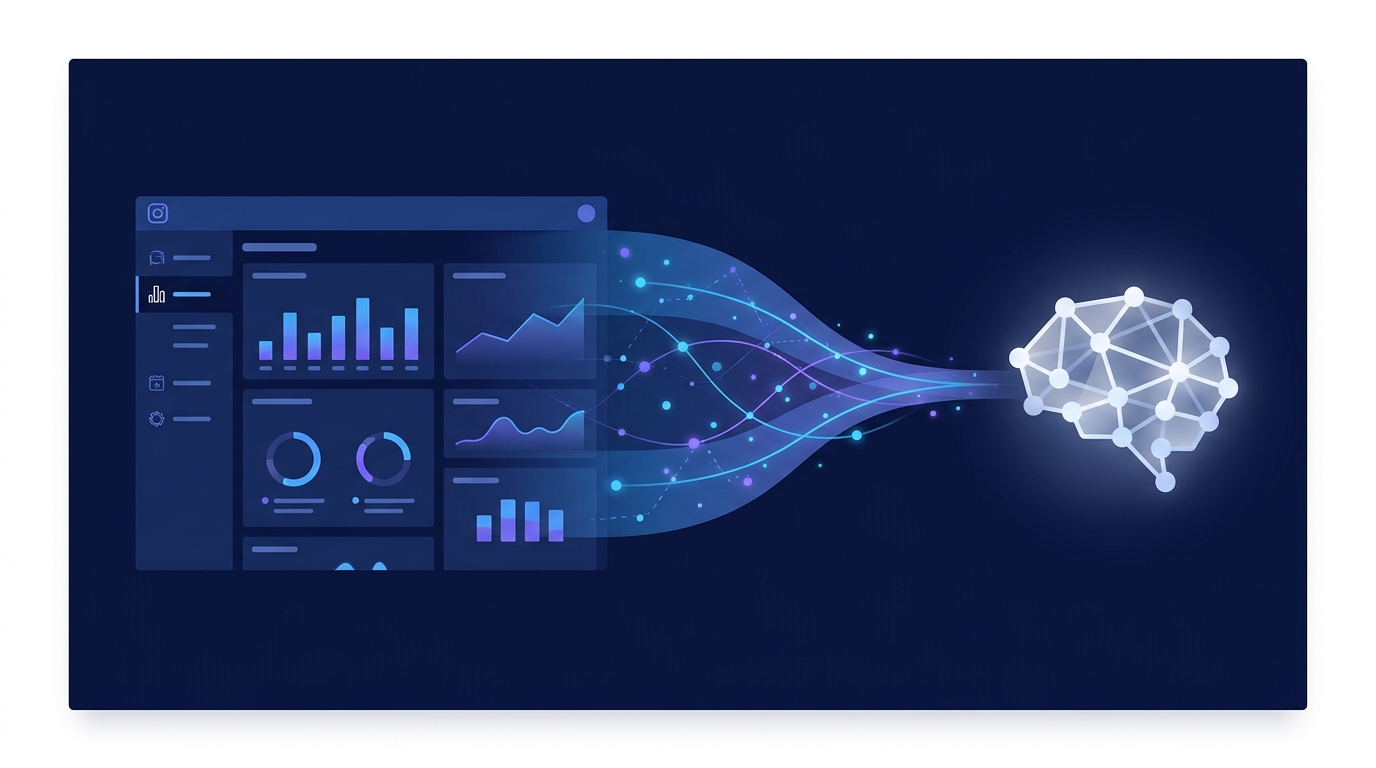
Connecting your private Instagram Insights to an AI copilot involves using an integrated marketing platform or a third-party data connector to bridge the gap between Meta's API and your AI tool. This process unlocks deep performance data, allowing your copilot to analyze metrics like reach, demographics, and story completion rates to provide strategic recommendations that go far beyond what public data can offer.
For marketing teams, this connection is the key to transforming raw analytics into a proactive, intelligent strategy partner. Instead of just reporting on what happened, your AI can tell you why it happened and what you should do next.
Beyond Vanity Metrics: The True Power of Instagram Insights
Every marketer knows the basic Instagram metrics: likes, comments, and follower count. While these are visible on your profile, they represent only the tip of the iceberg. The real strategic value lies in Instagram Insights, the backend analytics available to Business and Creator accounts. This is where the story of your performance is truly told.
Unlike public data, which is accessible to anyone, Instagram Insights provides a private, comprehensive view of how your audience interacts with your content. Key metrics include:
- Reach & Impressions: How many unique accounts saw your content and the total number of times it was seen.
- Profile Activity: The number of profile visits, website taps, and email/call button clicks generated from your profile.
- Audience Demographics: Invaluable data on your followers' age range, gender, and top locations (cities and countries).
- Content-Specific Metrics:
- Posts/Carousels: Saves, shares, and comments.
- Stories: Taps forward, taps back, replies, and exits—crucial for understanding narrative flow and engagement.
- Reels: Plays, likes, comments, saves, and shares, indicating content resonance and virality potential.
Feeding this rich, private dataset into an AI copilot elevates it from a simple data aggregator to a strategic analyst. It can identify patterns that a human might miss, such as the correlation between Story exit rates and a specific type of CTA, or which Reel format resonates most with your audience in a particular city.
The Technical Hurdle: Why You Can't "Just Plug It In"
If this data is so valuable, why isn't there a simple "Connect to AI" button within the Instagram app? The answer lies in how this data is stored and accessed. Instagram Insights are not openly available; they are protected and accessible only through the Instagram Graph API, which is part of the larger Meta Graph API.
Accessing this API requires:
- Authentication: Securely proving you are the authorized owner of the Instagram Business account.
- Permissions: Requesting specific permissions to access different data points (e.g., follower demographics, post-performance).
- Development: Writing code to make API calls, retrieve the data (usually in a structured format like JSON), and process it.
This technical barrier means a direct connection from the app to a general-purpose AI like ChatGPT is impossible. You need a middle layer to handle the authentication, data fetching, and formatting. This is where specialized tools and platforms become essential.
Bridging the Gap: Three Practical Methods for Connection
For marketing teams looking to harness their Instagram Insights with an AI, there are three primary methods, each with its own balance of simplicity, power, and cost.
Method 1: Using an Integrated AI Marketing Platform
The most streamlined and efficient approach is to use an all-in-one AI marketing operations platform. These systems are designed with built-in connectors that handle all the complexities of the API integration behind the scenes.
Platforms like MarketPilot natively integrate with Instagram's API. The process is simple: you connect your Instagram Business account once during setup by logging into your Meta account and granting permissions. From that point on, the platform automatically ingests your Insights data and makes it available to its built-in AI copilot. You can then immediately start asking strategic questions in plain English.
- How it Works: The platform manages the API keys, authentication tokens, and data pipelines for you. The AI is purpose-built to understand the specific data structures of Instagram Insights, leading to more accurate and relevant analysis.
- Best For: Marketing teams of all sizes who want a powerful, no-code solution that combines analytics with other essential functions like content scheduling, approvals, and reporting.
Method 2: Leveraging Data Connectors and Middleware
If you're using a standalone AI tool or want to pipe data into a business intelligence (BI) platform like Tableau or a data warehouse, middleware connectors are your go-to solution. Tools like Zapier, Make.com, or Supermetrics act as a bridge.
This method typically involves a multi-step workflow:
- Connect the Source: Authenticate your Instagram Business account with the connector tool.
- Define the Trigger: Set up a trigger, such as "New Post" or a scheduled daily data pull.
- Format the Data: The tool extracts the data from the Instagram API.
- Connect the Destination: Send the formatted data to your chosen destination, whether it's a Google Sheet that a custom GPT can access or directly to another application's API.
- How it Works: These tools provide a user-friendly interface to build data pipelines without writing code. However, you are responsible for managing the workflow and ensuring the data arrives at its destination in a format your AI can understand.
- Best For: Technically proficient marketers or teams who need to send Instagram data to a wide variety of destinations and are comfortable managing multi-part workflows.
Method 3: Building a Custom API Integration
For large enterprises with dedicated development resources, building a direct integration using the Instagram Graph API offers the most control and customization. This approach involves registering as a developer with Meta, building an application, and going through the app review process.
Your developers will write scripts to handle the OAuth 2.0 authentication flow, make regular calls to the API endpoints for Insights, and store the data in a proprietary database or data lake. From there, you can connect it to any internal AI model or analytics system you use.
- How it Works: This is a full-scale software development project. It requires expertise in programming languages (like Python or Node.js), API integrations, and database management.
- Best For: Large organizations with unique data requirements, in-house development teams, and the budget to support ongoing maintenance and API updates.
Choosing Your Connection Method: A Comparison
To help you decide which path is right for your team, here's a direct comparison of the three methods:
| Feature | Integrated Platform (e.g., MarketPilot) | Data Connector (e.g., Zapier) | Custom API Build |
|---|---|---|---|
| Ease of Use | Easiest (Point-and-click setup) | Moderate (Visual workflow builder) | Difficult (Requires coding) |
| Setup Time | Minutes | Hours | Weeks to Months |
| Maintenance | None (Handled by the platform) | Low (Monitor workflow health) | High (Requires ongoing development) |
| Cost | Predictable subscription fee | Multiple subscriptions (connector + AI tool) | High upfront and ongoing dev costs |
| Flexibility | High within the platform's ecosystem | Very high (connects many apps) | Highest (completely custom) |
| Best For | Most marketing teams seeking efficiency | Tech-savvy marketers needing custom pipelines | Enterprises with dedicated dev teams |
From Data to Decisions: Actionable Prompts for Your AI Copilot
Once you've connected your data, the real magic begins. You can move from manually digging through dashboards to having a strategic conversation with your AI copilot. Here are some practical prompts you can use:
For Content Strategy & Optimization:
- "Analyze my Instagram Insights from the last 60 days. What are the top 3 common themes or topics in my posts that generated the most saves?"
- "Based on my follower demographics, which city has the most engaged audience? Suggest a content idea tailored to them."
- "Compare the performance of my Reels versus my Carousel posts this quarter in terms of reach per post. Which format should I prioritize?"
- "Review my Story analytics. At what point in a multi-slide Story do I see the highest drop-off rate? What type of content typically causes this?"
For Performance Reporting & Analysis:
- "Generate a weekly performance report for my Instagram account, highlighting my top post by engagement rate and my net follower growth."
- "Identify the top 5 hashtags that drove the most impressions for my content over the past month."
- "Was there a correlation between the day of the week I posted and the number of website clicks I received? Show me the data."
- "Create a summary of my Q3 performance compared to Q2, focusing on Reach, Profile Visits, and Saves."
Streamlining Your Strategy with a Unified Platform
Connecting data is only the first step. The true competitive advantage comes from creating a seamless feedback loop between insight, creation, and execution. This is where an integrated platform shines.
Within a unified system like MarketPilot, the workflow becomes a virtuous cycle. Your AI copilot analyzes your Insights and suggests, "Your audience is most active on weekday evenings. Reels that show a behind-the-scenes process get 50% more shares." You can then immediately use the platform's AI content generator to script a new Reel, schedule it for the optimal time, and send it through an approval workflow. Once posted, its performance data feeds right back into the system, making the AI's next recommendation even smarter.
Furthermore, by integrating all your social and ad platforms, you can ask even more powerful cross-channel questions, like "How did my Instagram campaign promoting our new blog post affect my Google Ads search volume?" This holistic view is nearly impossible to achieve when your tools and data are siloed. Explore our pricing to see how an integrated solution can fit your team.
Conclusion: Turn Instagram Insights into Your Strategic Co-pilot
Connecting your Instagram Insights to an AI copilot is no longer a futuristic concept; it's a practical and accessible strategy for modern marketing teams. By moving beyond public vanity metrics and tapping into the rich, private data of your account's performance, you transform your AI from a simple content creator into a sophisticated strategic partner.
Whether you choose the simplicity of an integrated platform, the flexibility of a data connector, or the complete control of a custom build, the goal is the same: to make faster, smarter decisions. By automating the analysis of what works, you free up your team to focus on what matters most—creating resonant content and building a thriving community.
Frequently asked questions
Related posts
More on the topics covered in this article.